How to Prepare a Design Brief (With a Simple Template)
A good brief is the fastest way to good design. What to include, what to leave out, and a copy-and-paste template you can send to any designer.
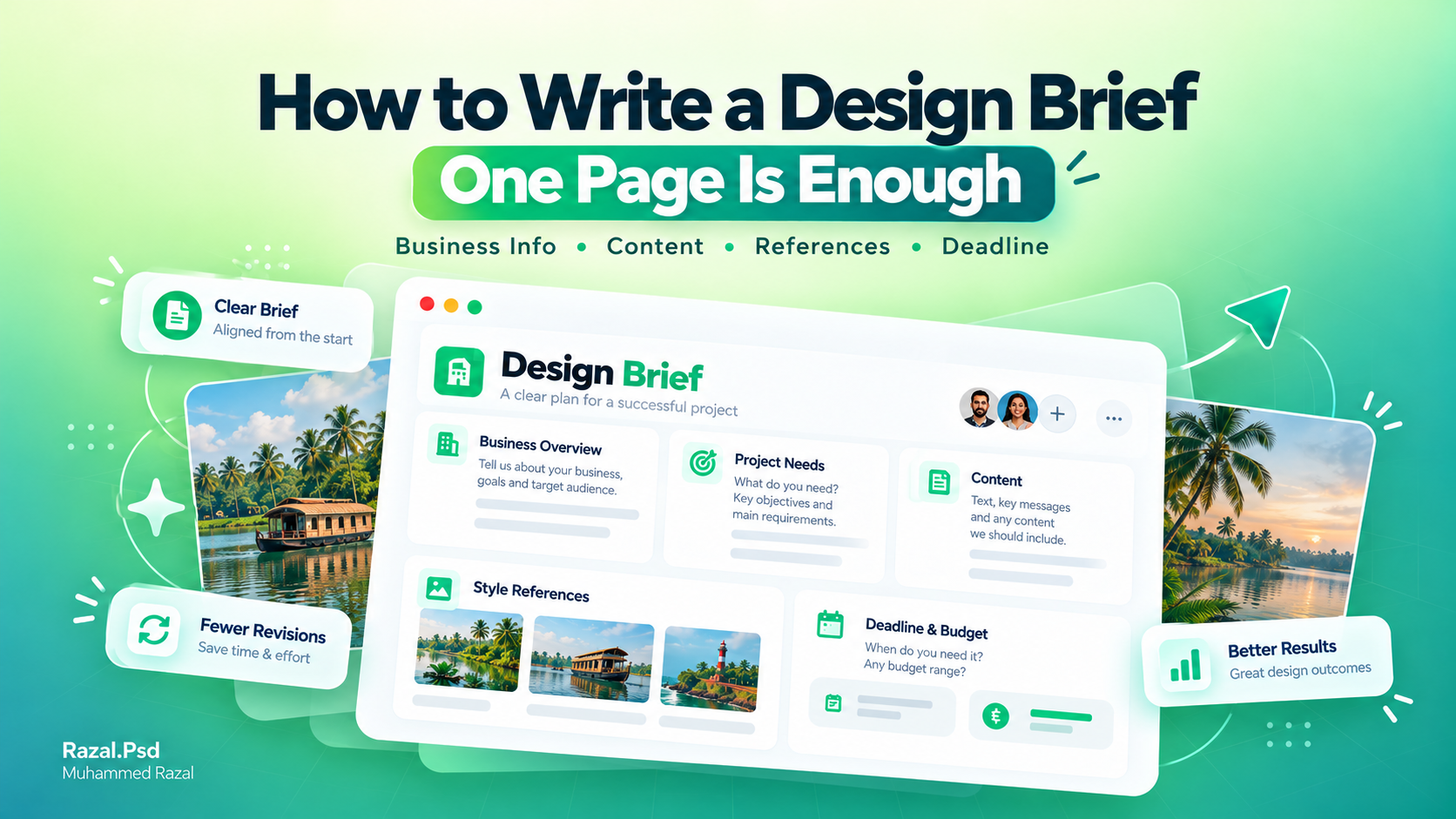
How to Write a Design Brief (One Page Is Enough)
Most design problems start before anyone opens a design tool. The designer didn't have enough information, so they guessed. Sometimes the guess is close. Often it isn't, and then comes a round of "can you make it more like what I had in mind?" when nobody, including the client, has said what that is.
A brief fixes this. It's a short document that tells your designer what you need, who it's for and what you like, so they can start in the right place. It doesn't have to be long or formal. One page is usually enough, and you can write it in 20 minutes.
Here's what to put in it.
- About your business
Say what you sell, where you sell it and who buys it. Then add what makes you different from the shop down the road. Two or three sentences are fine.
This matters more than people think. A home bakery selling birthday cakes to families needs a different look from a bakery selling to offices and cafes, even if the cakes are the same. Your designer can't see your customers, so you have to describe them.
- What you need
List every piece you want, one by one. "Logo" is one item. "A3 poster and an Instagram square version of it" is two. "Label for a 250 ml bottle" is one more. If you know the sizes, include them, and say where each piece will be printed or posted.
The where changes the work. A poster seen from three metres away needs big, simple type. A label held in someone's hand can carry more detail. A post on a phone screen has to work at thumbnail size.
- The content
Send all the text exactly as it should appear, and check the spelling before you send it. Add your logo files, photos and contact details at the same time.
Missing content is the most common reason projects get delayed. A designer can lay out a page with placeholder text, but the layout usually has to change once the real words arrive, because a three-word headline and a thirty-word headline don't fit the same space. Phone numbers and addresses are the usual last-minute changes, so confirm them early.
- Style and references
Share two or three designs or brands you like. Then say what you like about each one: the colours, the calm layout, the bold type. "I like this" gives a designer very little to work with. "I like how much empty space this one has" gives them a direction.
Tell them what you dislike too. A line like "no gold, no script fonts" can save you a whole round of changes.
- Practical details
A few more things belong in the brief:
- Deadline, and whether it's fixed (an event date, say) or flexible
- Budget range
- Who approves the final design
- Printer or platform requirements you already know
The approval point is easy to skip and expensive to get wrong. If three people will give feedback, say so at the start, and collect their comments into one message. Feedback that arrives one person at a time, each pulling a different way, is what turns a two-day job into a two-week one.
A template you can copy
Paste this into WhatsApp or an email and fill it in:
- Business name and what we do:
- Our customers are:
- We need (items and sizes):
- It will be used on:
- Text and details to include:
- Styles we like (links) and why:
- Deadline:
- Budget range:
- Final approval by:
Don't worry if you can't answer every line. Write "not sure" and I can help you work it out. A brief with a few gaps is much better than no brief at all.
What to do next
Each service page on the site also lists what to prepare for that kind of project, so check the one that matches your job. When your brief is ready, send it through the contact page and we'll go from there.
Working on something similar?
Tell me about your project and what it needs to do.
Keep reading

Why Every Small Business in Kerala Needs Professional Branding
Discover why professional branding matters for small businesses in Kerala, from memorable logos and brand identity to…Read article
Meet Muhammed Razal: Graphic Designer in Kannur, Kerala
Great design is more than making something look good. It is about creating a visual language that people can…Read article